Currently, there are two ways to insert a video into a Step or Tip in the Editor: Video URL and Video Embed.
We recommend using the Video Embed option, as it is more reliable and works seamlessly with YouTube and Dailymotion.
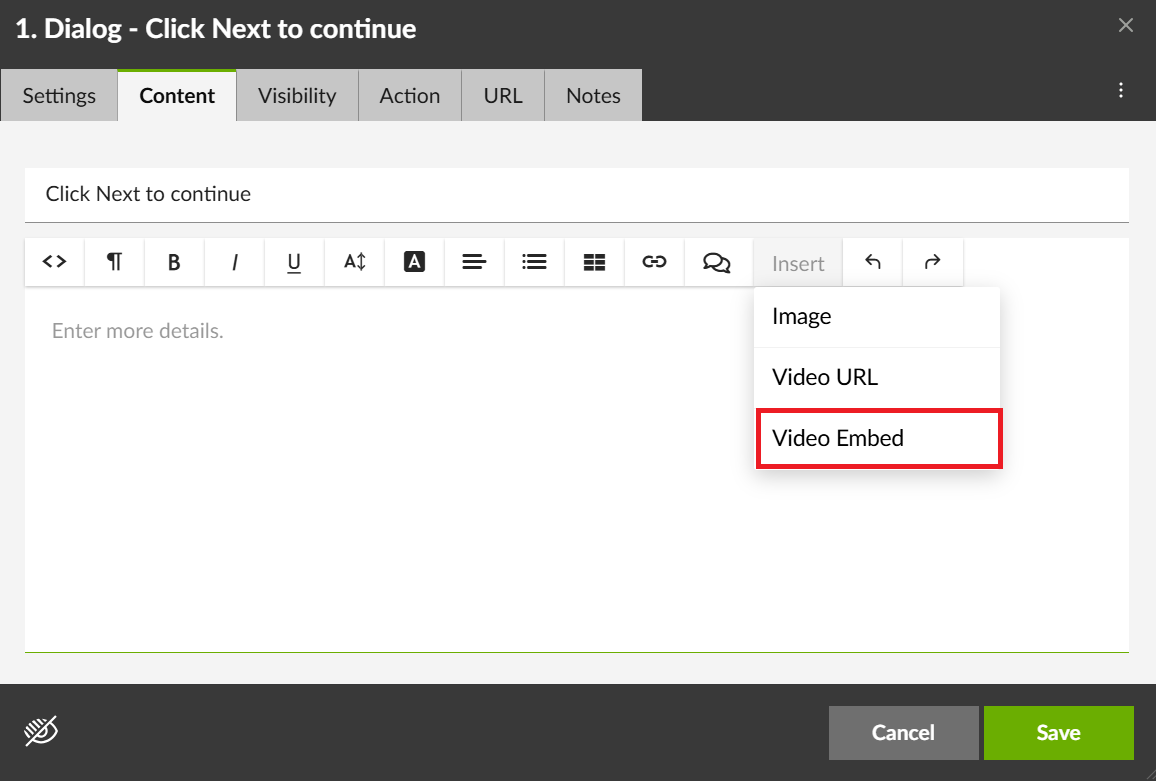
To insert a video using Video Embed:
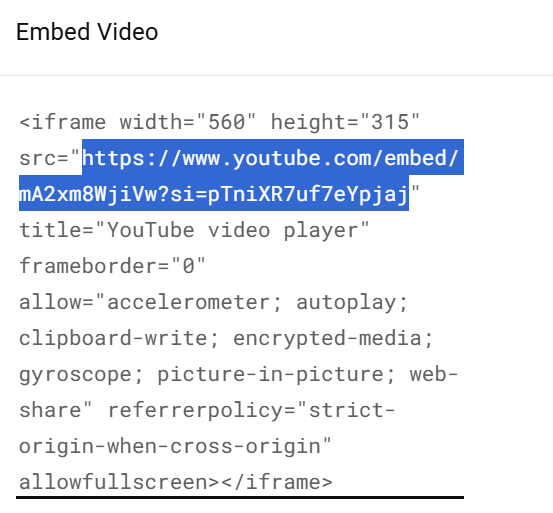
- Click Share > Embed on the video platform.
- Copy the provided embed code (this part of the link).
- Paste it into the Editor and click Insert.
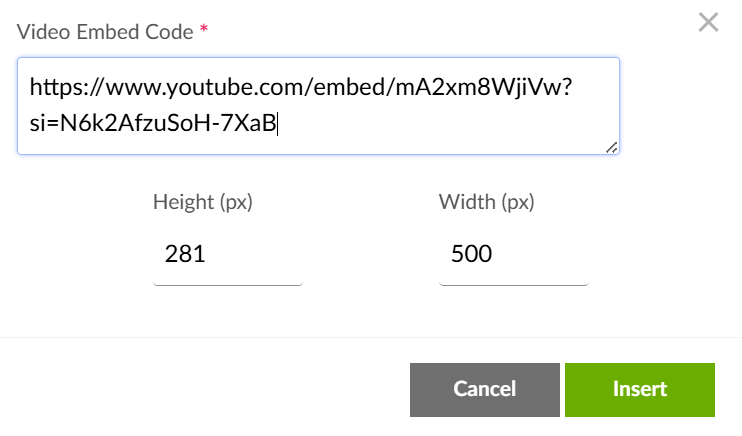
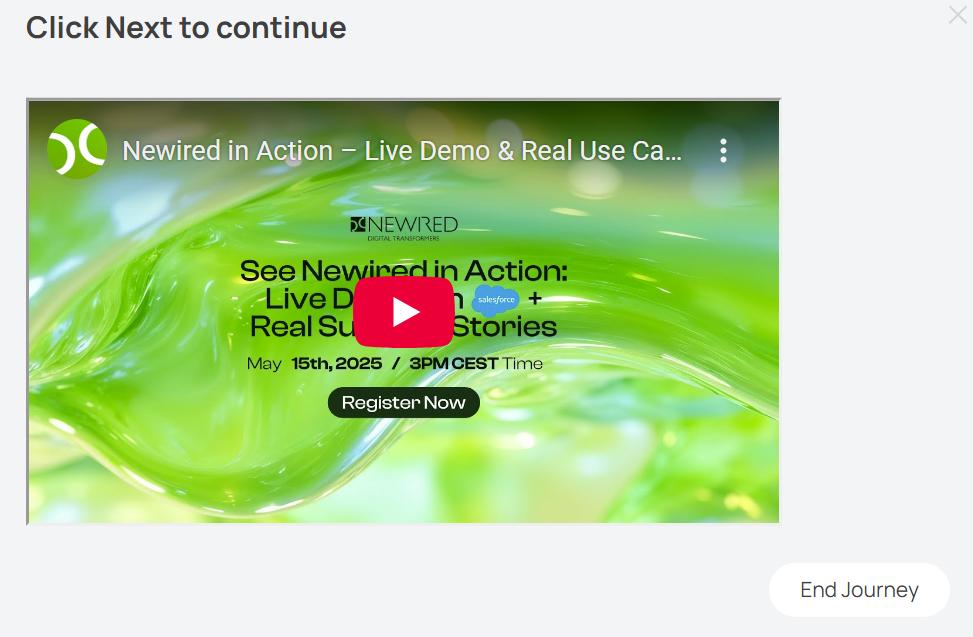
Once inserted, the video thumbnail will appear, and the video will be ready to play.
Was this article helpful?
That’s Great!
Thank you for your feedback
Sorry! We couldn't be helpful
Thank you for your feedback
Feedback sent
We appreciate your effort and will try to fix the article