If the Overlay fails to load, limited editing is still possible within Journeys and Steps, such as editing the title, description, or adding Labels or Public Tags. Such content can be also published or set back to draft, duplicated or deleted.
You can create new Journeys, but adding new Steps is not allowed in this state.
When Overlay is not running, Journeys cannot be played, as the red Play button indicates.
The Slideshow feature is disabled, and only thumbnail previews of the screenshots are visible when the user hovers over each Step.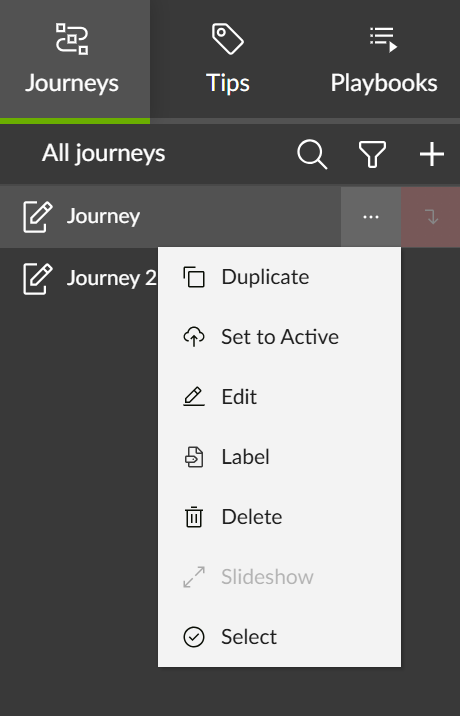
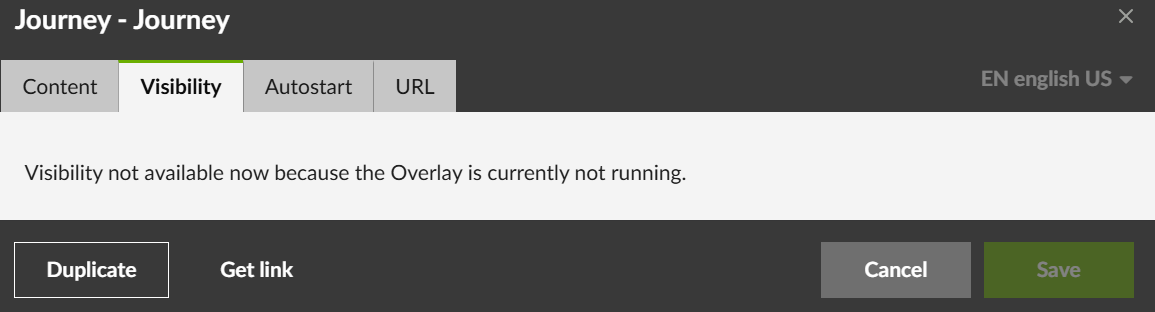
Visibility and Autostart tabs of Journeys cannot be edited, as the text in the tabs explains.
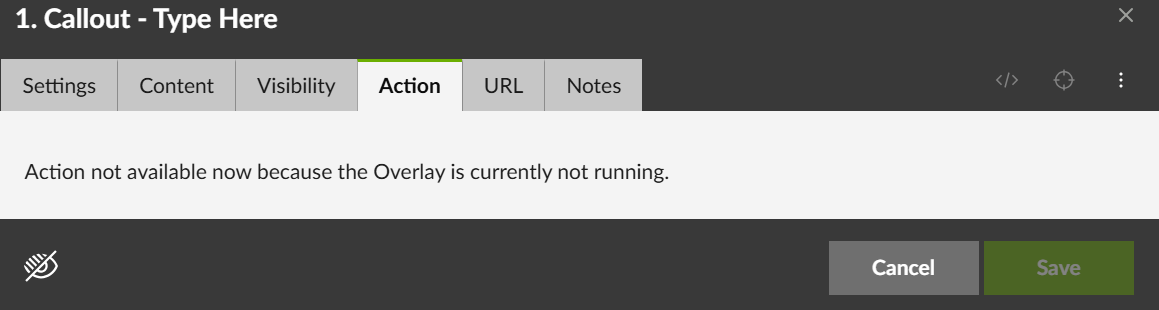
As for the Steps, Visibility and Action tabs cannot be edited either.
Was this article helpful?
That’s Great!
Thank you for your feedback
Sorry! We couldn't be helpful
Thank you for your feedback
Feedback sent
We appreciate your effort and will try to fix the article